Customize the Dashboard to your needs
Connected Dashboard
A hybrid (BizTalk + Azure) setup requires a link from one Dashboard (BizTalk) to the other Dashboard (Azure) for hybrid flows. With the introduction of the claim-check component, you can now start from one flow in cloud and continue on prem (and vice versa). It provides a click-through experience between the two different Dashboards.
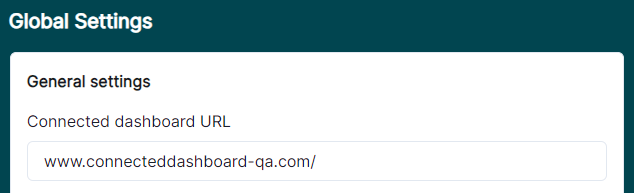
You will find the option to enter the Connected Dashboard URL which is the base URL of the other Dashboard which you want to connect to.
Now you need to enable the Connected Dashboard for the required flow. You can active this by either creating a new flow or editing an existing one (showing 'Edit Flow' below).

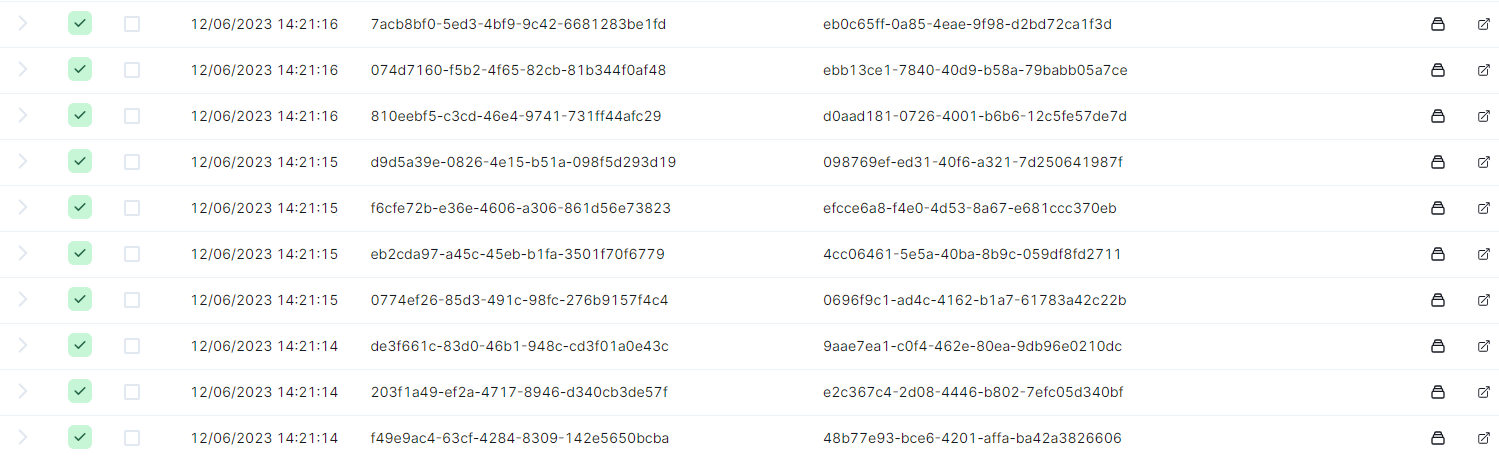
If you navigate to the page for that flow, you'll see a new button for each table row. Clicking on this button will navigate you to your specified Connected Dashboard URL for that message chain.
If you're not signed in into the other Dashboard, it will direct you to the sign in page but with a return URL. Once signed in, the Dashboard redirects you to the actual link.